
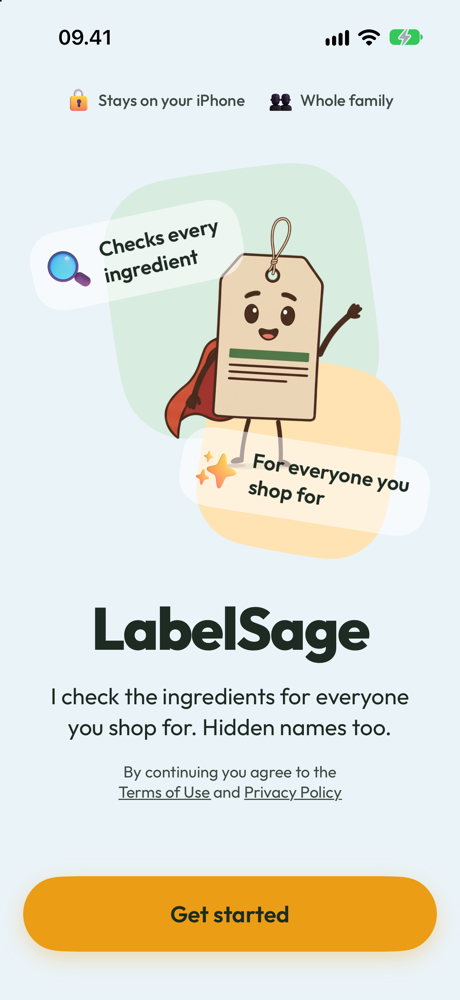
Check the ingredients for everyone you shop for.
Scan a barcode or search a product by name. LabelSage tells you who it's OK for, who it's not, and the ingredient that decided it.
No spam. One email when LabelSage is ready to download.
Three steps, every time.
No scores to interpret. Just a straight answer, with the reason.
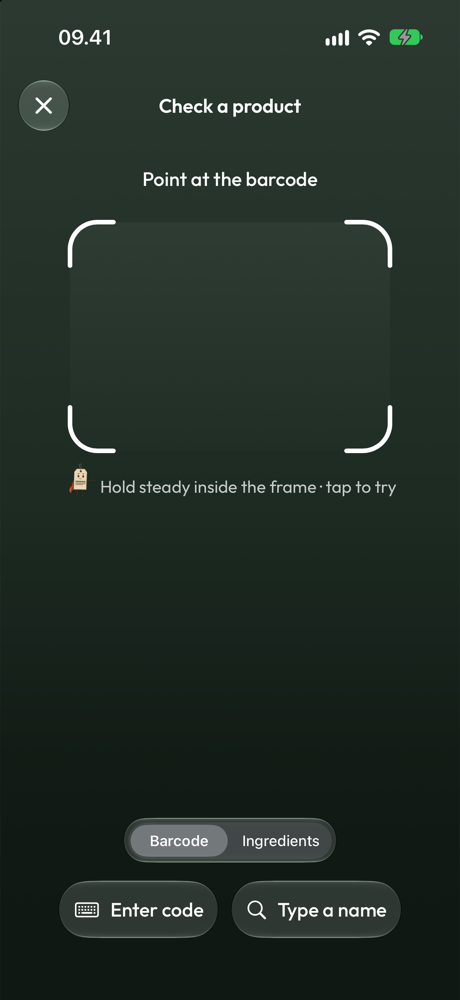
Check it.
Scan a barcode or search by name.
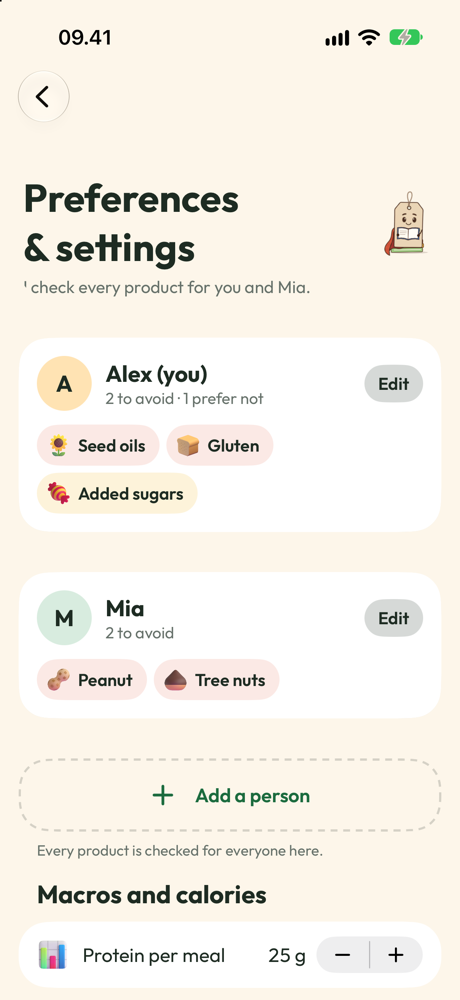
LabelSage checks everyone.
Not just you. Your whole household, one scan.
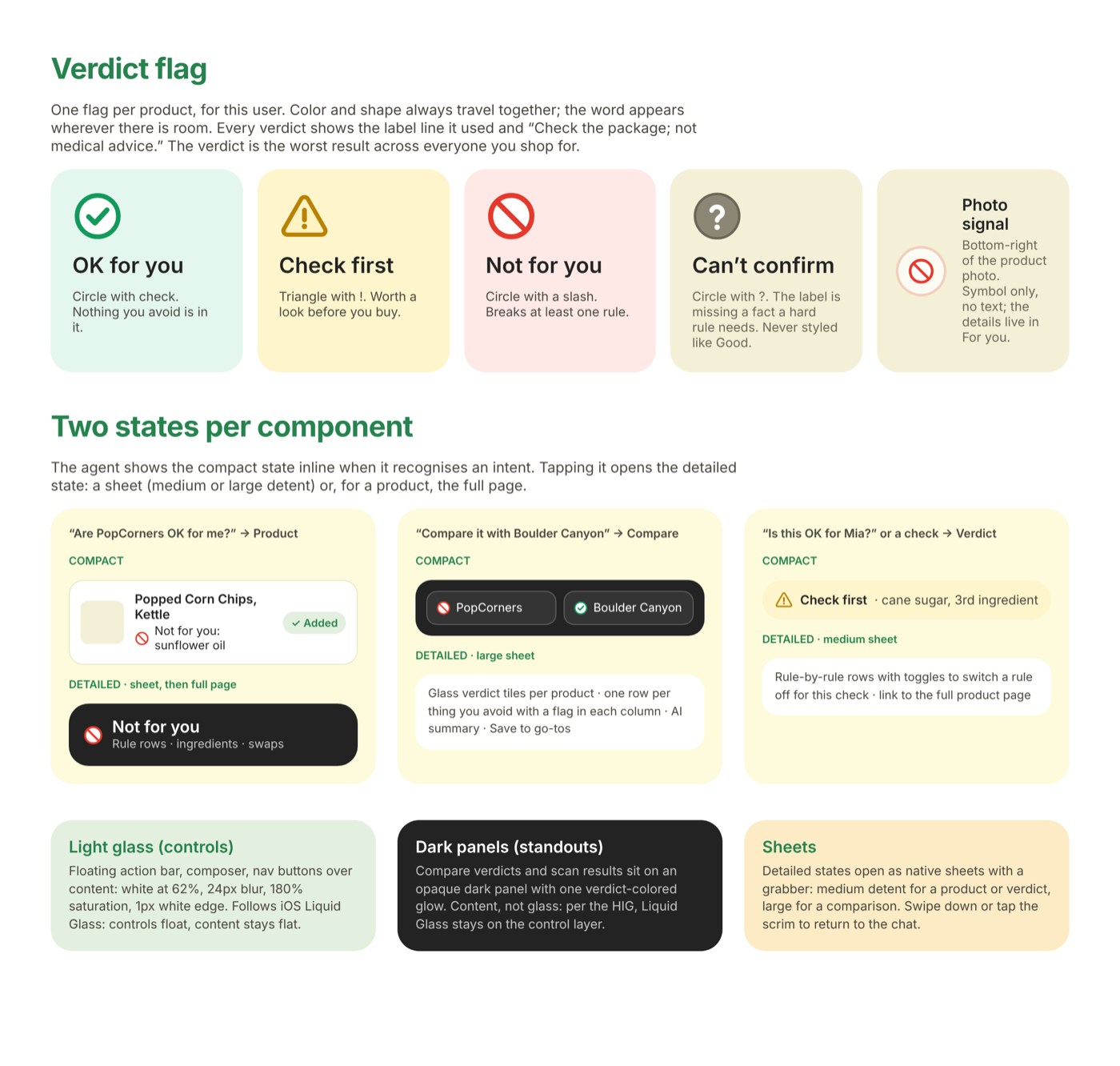
Get one flag per person.
With the exact ingredient that decided it.
Four flags. Never a mystery number.
Every check lands on exactly one of these, with the ingredient that decided it right underneath.
Nothing anyone avoids was found in this product.
Says "may contain milk."
Contains whey: that's milk.
"Natural flavors" isn't specific.
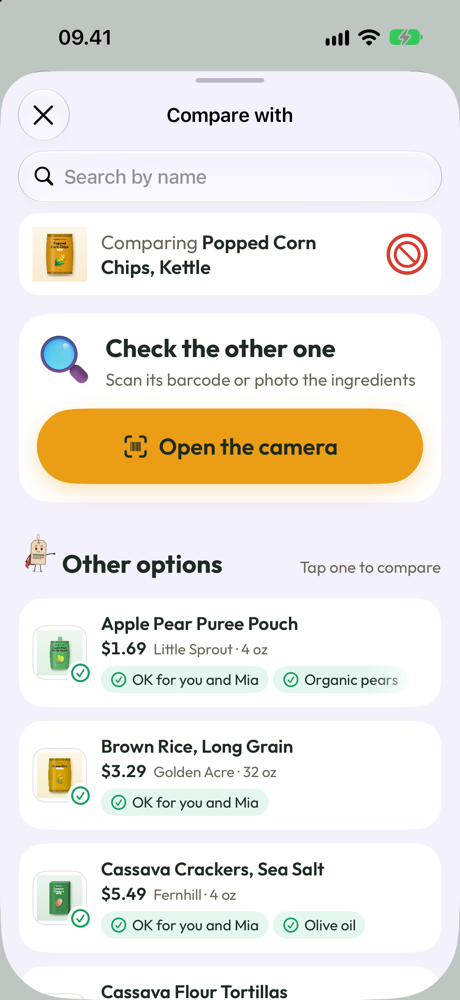
What to buy instead.
When a product doesn't fit, LabelSage suggests products from the same category, when the catalog has them.
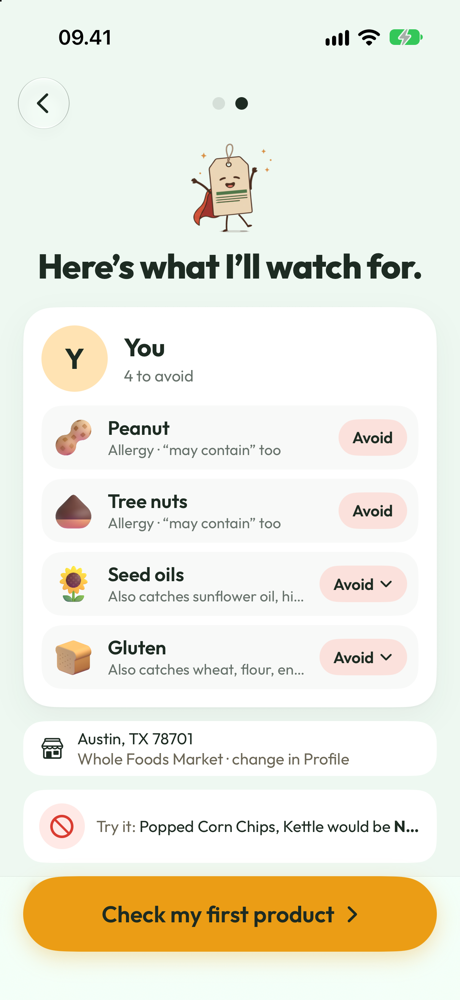
One scan. Everyone's allergies.
Most apps check one person. LabelSage checks your whole household at once: Mia's peanut allergy, Dad's vegetarian diet, your own milk allergy. Add someone whenever a sitter, a grandparent or a friend needs to be sure too.
Not a score. Fits you or doesn't, and the reason why.
A number out of 100 doesn't tell you what's actually inside. LabelSage names the ingredient, says who it affects, and puts it in one line you can read standing in the aisle.
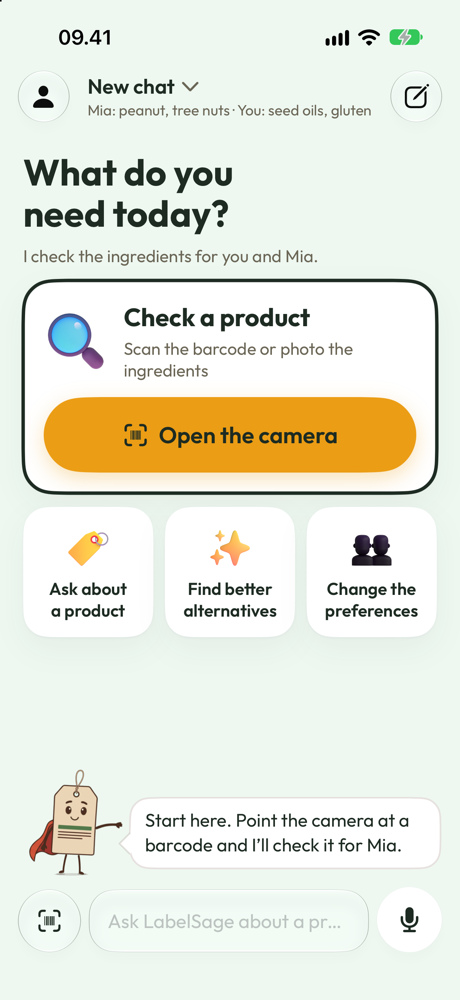
How we handle your data
LabelSage has no account, and it doesn't need to know who's asking.
Stays on your iPhone
Names, household members, allergies, diets, favourites and recent products. The check against your household happens on your iPhone too.
Sent to look up a product
Only a barcode, your search words or a product category, over HTTPS.
Never sent
No account, no cookies, no device or advertising identifier. No analytics, ads or tracking.
See every request in What the app sends, and read the privacy policy.
What people ask first.
Is this medical advice?
No. Every check comes with "Check the package. Not medical advice." LabelSage tells you what's in the ingredients, not what to do about your health.
How does LabelSage decide?
Code decides, LabelSage explains. The verdict comes from a deterministic check against the ingredients, the same way every time for the same product and the same allergies and diets, never a guess.
What if the ingredients aren't listed?
LabelSage says "Can't confirm" and why, instead of guessing an OK. A missing answer is never treated as a pass.
Does LabelSage share my household's information?
No. What your household avoids, your names and your saved products stay on your phone. LabelSage only looks up a barcode, search words or a category, nothing about who's asking.
Does it only work with barcodes?
No. If a product won't scan, search for it by name instead.
Can everyone in my house have different allergies?
Yes. Add anyone you shop for and give each person their own allergies, or a vegan or vegetarian diet. One scan checks everyone at once.